REVIEW · BUDAPEST
Street photography with your smartphone, tour of Budapest
Book on GetYourGuide →Operated by Luigi Cantel · Bookable on GetYourGuide
Budapest turns into a photo set when you know where to stand. This tour blends smartphone coaching with guided city stops, then adds a drone component so you can actually see your journey from above. I especially like the practical street stops (short, focused, repeatable) and the fact that the session ends with usable results you can keep on your phone.
One thing to consider: this is a walking route with set photo pauses, so if you’re hoping for a slow, free-form sightseeing day, the pacing may feel a bit structured (walking pace and timing matter).
In This Review
- Key moments worth planning around
- Meeting at Fővám tér: starting where your photos make sense
- Liberty Bridge photo stop: framing the classic shot the smart way
- Central Market Hall: turning a crowded landmark into a series of photos
- Kalvin Square: street-level storytelling, not postcard tourism
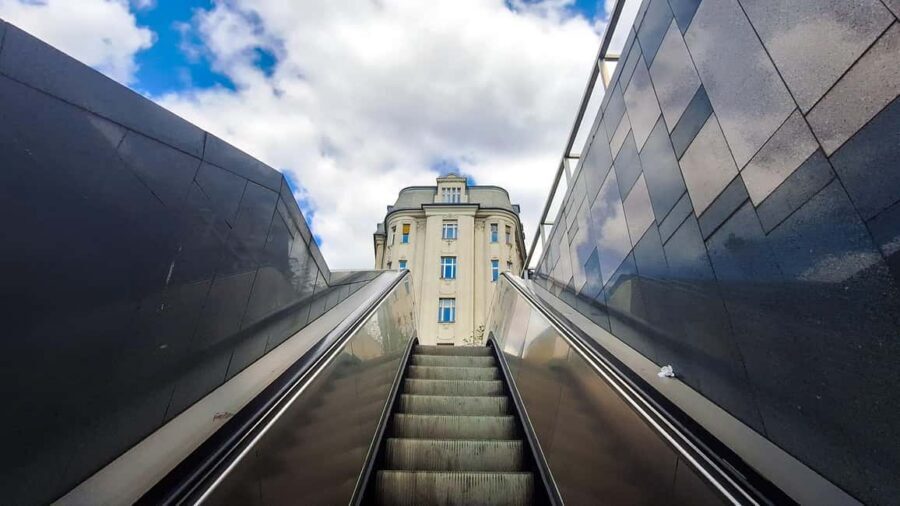
- Metro/subway pause: quick angles and movement-friendly shots
- Bikás Park: a calmer frame after the city rush
- Drone photography with a pro: watching yourself from above
- What Luigi teaches you: composition basics you can actually repeat
- Getting your photos on your smartphone (and keeping them)
- Editing in Lightroom on your phone: fast upgrades, not complicated work
- Price and value: why $16 can be a smart deal here
- Who should book this Budapest smartphone photo tour
- Should you book it
- FAQ
- Where is the meeting point?
- How long is the tour?
- What photo stops are included on the route?
- Is drone photography included?
- Will I get help taking photos with my smartphone?
- Do I receive the photos at the end?
- Are entry tickets to landmarks included?
- Is the tour wheelchair accessible, and can I cancel for a refund?
Key moments worth planning around
- Smartphone street instruction you can use immediately: learn how to frame what’s in front of you, not just take pictures.
- A fixed route with intentional photo stops: Liberty Bridge, Central Market Hall, Kalvin Square, a metro/subway pause, then Bikás Park.
- Drone capture of your experience: you’ll be photographed and filmed from above as you move through the city.
- You get your photos afterward: the tour ends with your images on your smartphone.
- Lightroom editing help using the free app: quick, phone-friendly steps to improve what you already shot.
- Small-group energy, even solo: Luigi prefers small groups, but the tour still works if you’re on your own.
Meeting at Fővám tér: starting where your photos make sense
The tour meets at Fővám tér 5, right in front of Starbucks in Budapest (1056). It’s a handy starting point because it puts you close to major viewpoints and lets you begin with city context instead of getting lost in the first 10 minutes.
From there, the day has a simple rhythm: walk, pause, shoot, learn. That structure matters. Street photography is usually chaotic if you’re just wandering, but a route with “why this spot” turns into confident habits fast.
You can also read our reviews of more tours and experiences in Budapest



Liberty Bridge photo stop: framing the classic shot the smart way
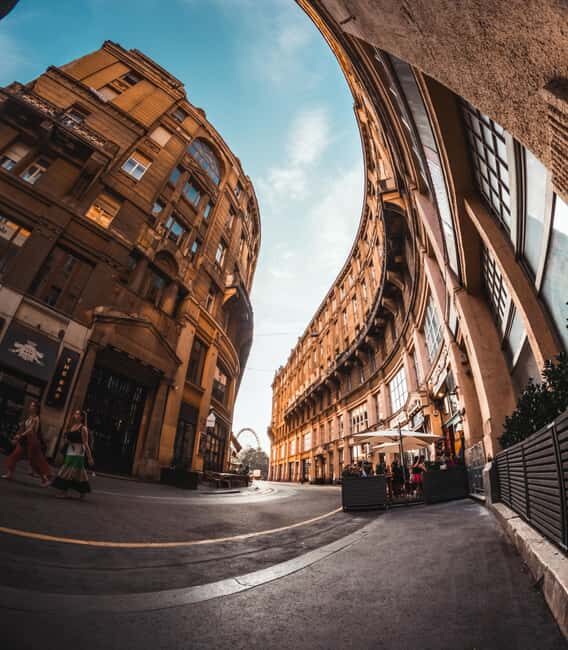
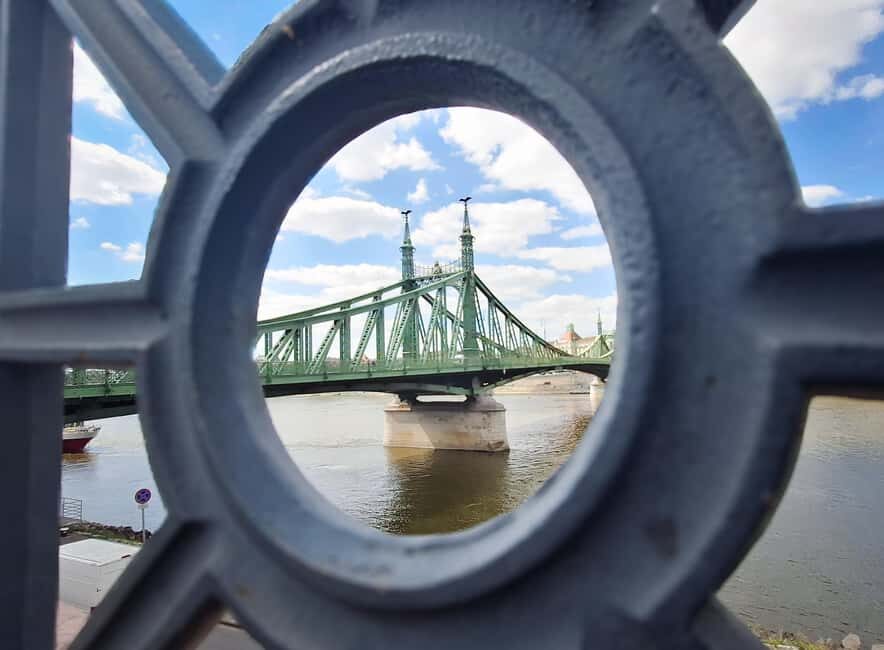
Your first major pause is at Liberty Bridge for about 20 minutes. This is the kind of place where beginners often shoot from the most obvious angle, then wonder why the results look flat.
The coaching focus here is on seeing angles and composition, not memorizing camera settings. Even if your phone camera is already decent, knowing where to stand (and what to leave out) can change the feel of the scene immediately.
A practical takeaway: treat this stop like practice. Take a few frames quickly, then switch viewpoint slightly. You’ll learn how small movements help the story of a bridge scene—lines, perspective, and separation between foreground and background.
Central Market Hall: turning a crowded landmark into a series of photos
Next you head to Central Market Hall of Budapest for another 20 minutes. Markets can be visually intense: signs, products, colors, people moving. The temptation is to shoot everything.
The better move is to narrow your attention. The tour’s approach is to give you instructions about what to photograph at that specific point and why—so you come away with a handful of strong images instead of hundreds of almost-the-same ones.
Here’s what makes this stop valuable for a smartphone shooter: you learn how to work with real-world clutter. That means using your position to reduce distractions, choosing a single subject, and letting details do the talking instead of trying to capture the whole building in one frame.
Kalvin Square: street-level storytelling, not postcard tourism
At Kalvin Square, you get a third 20-minute stop. This is where street photography skills start to matter more than landmark recognition. Squares are full of lines, crossings, and human movement, so your challenge is timing and framing.
The tour style is direct: you’ll get guidance for photographing a certain kind of view at that exact spot. That’s helpful because it removes guesswork. Instead of asking what’s interesting, you learn how to make something interesting with your phone.
If you like images that feel lived-in—people, street texture, architecture lines—this stop is where you’ll likely sharpen your instincts.
Metro/subway pause: quick angles and movement-friendly shots
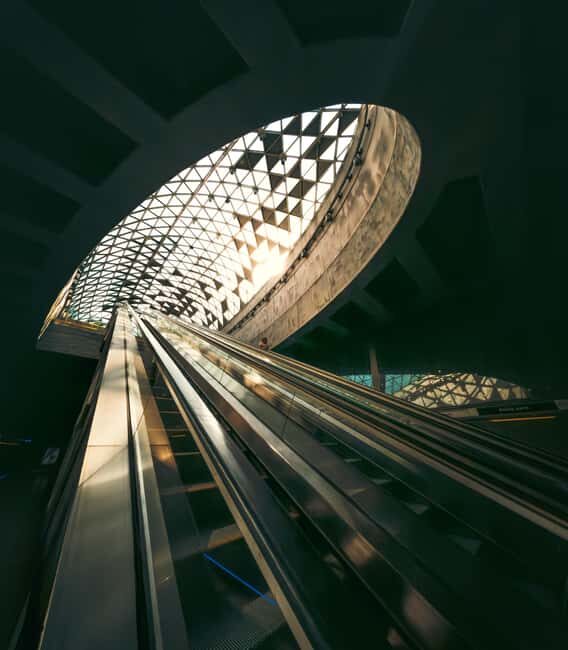
There’s a subway/metro stop for about 10 minutes. Short stops are intentional on photo tours. They force you to work with limited time and still leave with usable frames.
This is the kind of moment where smartphone skills pay off: how you aim, how you keep the subject clear, how you avoid motion blur that ruins everything. Even if the setting is busy, coaching helps you find a manageable angle.
Think of this as a mini drill. Take a few shots from one viewpoint, then reposition once. In street photography, that one reposition often creates the biggest improvement.
You can also read our reviews of more photography tours in Budapest
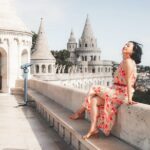



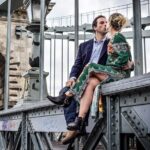
Bikás Park: a calmer frame after the city rush
Then you finish at Bikás Park for about 20 minutes. This is a nice contrast to the more architectural parts of the city. After bridges, markets, and squares, a park stop gives you room to slow down and experiment.
You’ll likely use different compositional tools here—background layering, calmer spacing, and ways to separate your subject from the setting. The point isn’t to go searching for a single perfect shot. It’s to practice seeing how light and distance change your images.
A tour like this earns its keep when it doesn’t only show you where postcards are made. Ending in a more open setting helps you stretch your phone skills beyond the obvious.
Drone photography with a pro: watching yourself from above
One of the standout parts is the drone element. A professional will snap photos of you using a drone, capturing your journey as you move through Budapest. Then you can marvel at drone footage of yourself seeing the main sights of the city.
This is valuable in a different way than regular street photography. Your phone shoots what you can reach at arm’s length, but the drone gives you a broader sense of scale—how you connect with the city’s layout and landmarks.
It also changes the day’s vibe. You’re not only thinking about framing with your phone—you’re also moving with the flow of the route knowing that part of the story will be captured from above.
Practical consideration: because drone capture is involved, you’ll want to follow direction and accept that you might need to pause or reposition for the best result. That’s usually a small price for the novelty and the final output.
What Luigi teaches you: composition basics you can actually repeat
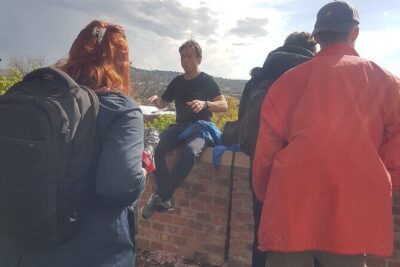
Luigi Cantel is the guide behind the camera coaching. Based on the feedback about his style, the big strength is clarity plus patience. The teaching approach is practical: you get composition basics and tips for using your smartphone camera effectively.
You’re not just told rules like a textbook. You’re shown where those ideas apply in real scenes—so you can try them immediately at the next stop.
A few skills you should expect to take away:
- How to frame using lines and separation so your subject pops.
- How to use angles to avoid flat, forgettable photos.
- How to work with light instead of only relying on zoom or filters.
- Simple posing guidance when the shot needs a little human direction.
One review note that really matches what this tour seems designed for: even if you don’t feel confident with your phone camera, you get help. That matters because street photography can feel intimidating when your phone keeps refusing to behave.
Getting your photos on your smartphone (and keeping them)
At the end, you’ll have the photos directly on your smartphone. That’s important for two reasons.
First, it means you’re not waiting for a separate download link and sorting through files later with no context. Second, it helps you learn faster: you can check what worked right away, while the stop is still fresh in your mind.
I like experiences that end with real deliverables, not just memories. This one gives you photos you can review, share, and improve.
Also, the drone footage adds a second layer of content. You end up with both the handheld street view and the “you in the city” perspective.
Editing in Lightroom on your phone: fast upgrades, not complicated work
Near the end, you’ll learn some tricks to edit photos using the free Lightroom app. This is the kind of add-on that’s easy to underestimate.
Most people shoot on their phone and then do nothing, or they apply one tired filter and hope. Lightroom-style editing helps you make small adjustments that bring out details you already captured—better contrast, better balance, and more control over how the scene feels.
The best part is that you’ll learn how to do it rather than being sent away with vague instructions. After a day of purposeful shooting, editing becomes the final step to make the images match what you meant to capture.
Price and value: why $16 can be a smart deal here
The price is $16 per person for a 1-day experience. That’s not just “cheap for a tour.” It’s reasonable considering you’re getting several things that usually cost more separately.
You’re paying for:
- Guided walking route with built-in photo practice
- Smartphone photography coaching tied to specific places
- Drone capture that adds a different perspective to your results
- Photos delivered to your smartphone
- Editing help using the free Lightroom app
The value is strongest if you care about improving your photos, not only checking boxes. If you already know exactly how you want to shoot every scene, you might not use all the coaching. But if you want your phone pictures to look intentional, this kind of structured practice is where the money tends to pay off.
Important note: landmark entry tickets are not included. So if your personal plan includes paid indoor sites, you’ll need to budget separately.
Who should book this Budapest smartphone photo tour
This suits you if:
- You want to learn street photography basics without lugging a camera around.
- You like having a plan, but still want non-touristy details and smarter angles.
- You want both handheld city photos and drone footage of your journey.
- You’re traveling alone or in a small group and want one guide actively watching your results.
It may not be the best fit if:
- You want a long, self-paced sightseeing day with lots of independent stops.
- You expect landmark entrance tickets to be included (they aren’t).
- You dislike walking and time-boxed photo pauses.
Should you book it
I’d book this if you’re the type of person who takes photos and wants them to look better next month, not just next week. The combination of guided stops, smartphone teaching, drone capture, and end-of-tour editing tips makes it feel like a complete photo session instead of a casual walk.
If you’re curious, pick a day when weather won’t ruin your ability to move around and shoot. The starting time can be agreed based on weather, which is smart in a city like Budapest where conditions can change fast.
If you’re hoping to leave with photos that feel intentional—and you want to learn the process—this is a strong choice for value at $16.
FAQ
Where is the meeting point?
Meet in front of Starbucks at Budapest, Fővám tér 5, 1056.
How long is the tour?
It’s a 1-day experience.
What photo stops are included on the route?
You’ll have photo stops at Liberty Bridge, Central Market Hall of Budapest, Kalvin Square, a subway/metro segment, and Bikás Park, then return to Fővám tér 5.
Is drone photography included?
Yes. A professional will use a drone to snap photos of you and capture your journey, and you’ll be able to watch drone footage afterward.
Will I get help taking photos with my smartphone?
Yes. You’ll receive instructions during the walk on how to photograph specific points and why, plus you’ll get smartphone photography tips.
Do I receive the photos at the end?
Yes. At the end of the experience, you’ll have the photos on your smartphone, and you can also learn editing tips.
Are entry tickets to landmarks included?
No. Entry tickets to landmarks are not included.
Is the tour wheelchair accessible, and can I cancel for a refund?
Yes, it’s wheelchair accessible. You can cancel up to 24 hours in advance for a full refund.